


Menu
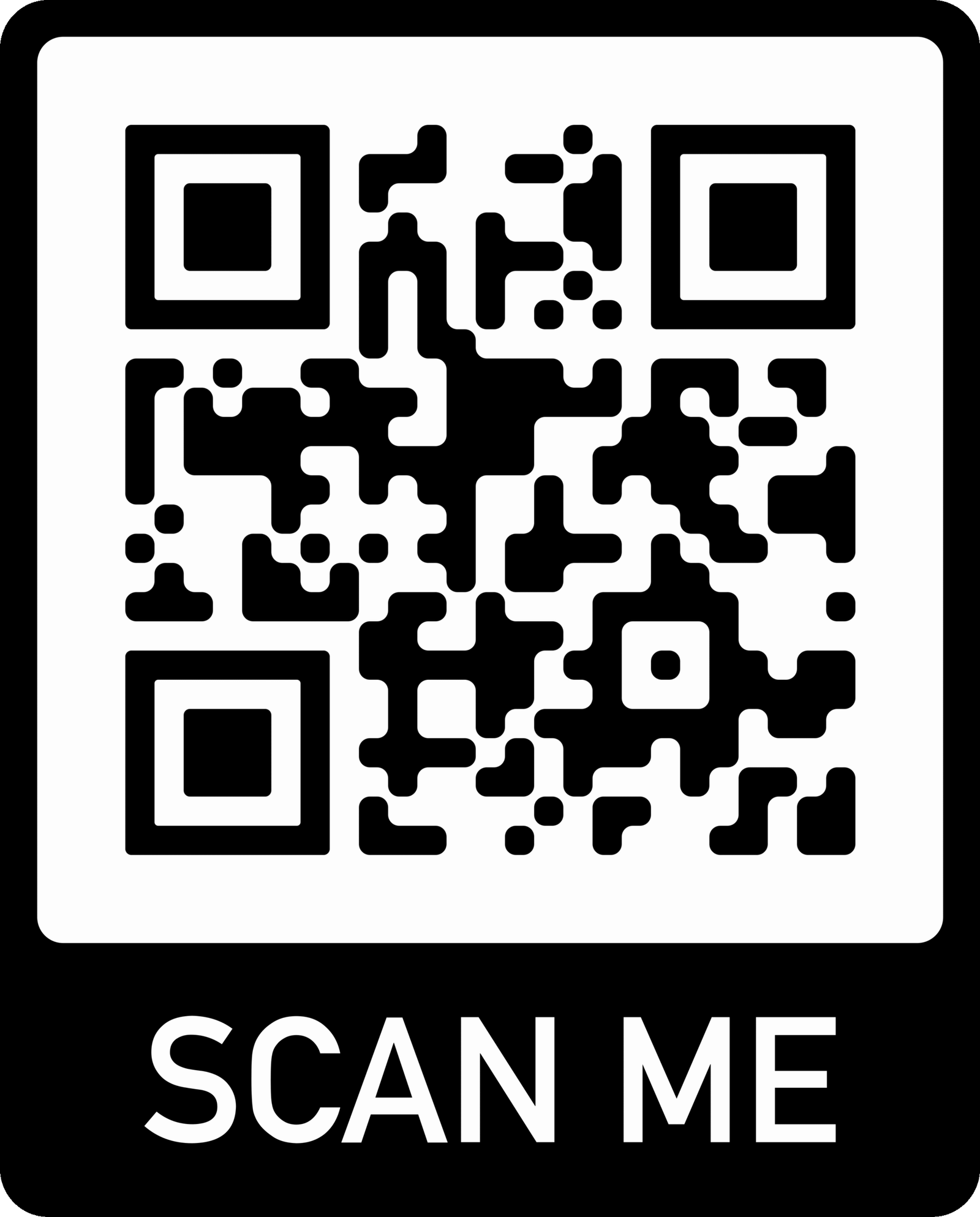
Scan the below Code to Open Menu Directly
We provide the following delivery options for snacks:
FAQs
Simply open your phone’s camera or any QR scanner app and point it at the QR code displayed on this page. A link will appear — tap it to open our full menu in PDF format.
No, you can view the menu directly in your browser. However, you can also download it for quick access anytime.
The QR code menu is for viewing only. To place an order, please visit our “Order Snacks” page or order directly at the counter while playing.
Yes! We keep our digital menu updated with the latest snacks, offers, and prices so you always see the most current version.
Make sure your camera is clean and you have a stable internet connection. If it still doesn’t work, you can ask our staff for help or access the menu link directly provided below the QR code.